
Your team runs better when they know the system.
Role-specific courses that turn Leaders, Trainers, and Operators into in-store OneClick experts. Free with your subscription. Available in English and Spanish.

%20(1920%20x%201080%20px)%20(1)-1.png?width=250&height=141&name=Key%20Leaders%20(400%20x%20400%20px)%20(1920%20x%201080%20px)%20(1)-1.png)
Key Leaders
Unlock every feature of OneClick. Interactive on-demand with a workbook and the Stage 3: Certified OneClick Champion assessment.
You'll learn: Auto-Schedule, Layouts, Permissions, Customization Rubric.
.png?width=250&height=141&name=Copy%20of%20Key%20Leaders%20(1).png)
Shift Leaders
Run the day. Manage shifts, breaks, and checklists.
You'll learn: The moves that make every shift go better.
.png?width=250&height=141&name=Key%20Leaders%20(3).png)
Trainers
Build training programs that elevate your store.
You'll learn: Passports, Training Positions, Rating Categories, Speed Rating.
Operator
Powerful tools to oversee the store and boost revenue.
You'll learn: Dashboards, rollups, store-level configuration, multi-unit views.
-1.png?width=250&height=141&name=Admin%20(1)-1.png)
Accountability
Manage infractions and rewards with confidence.
You'll learn: Infraction types, polarity, expirations, signatures, coaching.
Administrator
Navigate OneClick to help manage your team.
You'll learn: User roles, permission tiers, custom rubrics, store-level admin.
.png?width=350&height=271&name=EXAMPLE%20ONLY%20(1).png "EXAMPLE ONLY (1)")
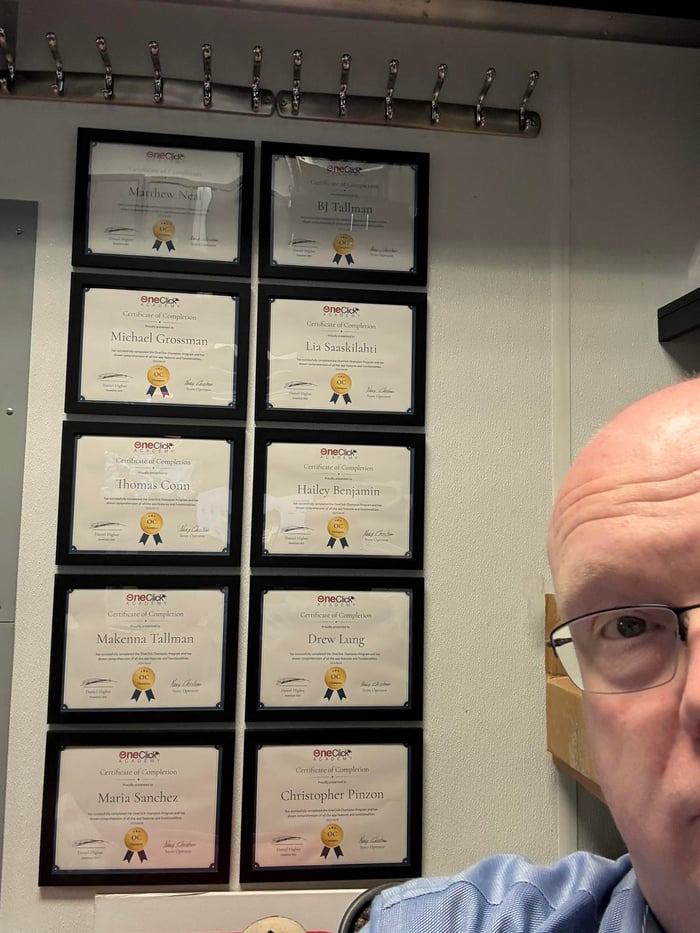
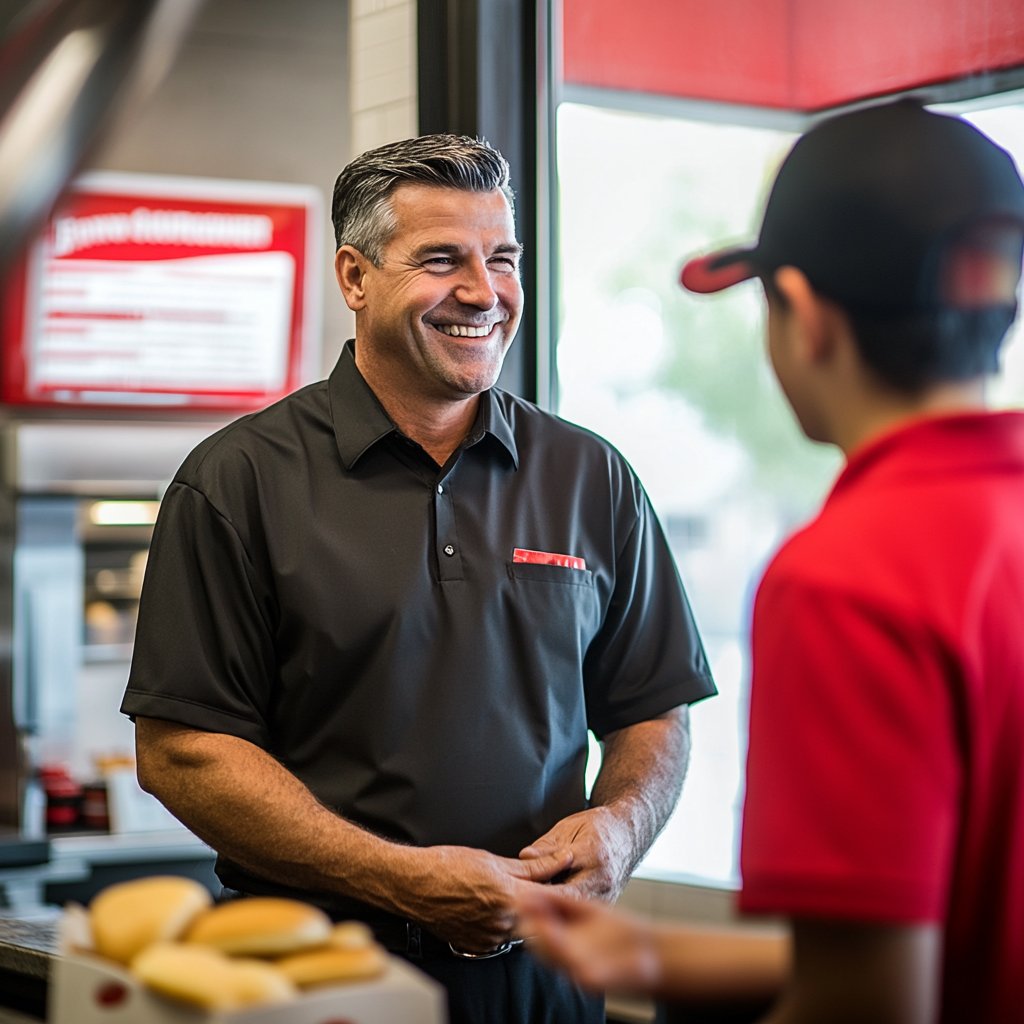
The OneClick Academy was so helpful in understanding the capabilities and processes of OneClick. Completing the Academy allowed us to rollout to our team with confidence, knowing we would be able to answer their questions and that our setup was done in the most effective and efficient way for our store.
